Download Options
When browsing studies with ImmPort's Cohort Discovery (CDT) search, you can select datasets of interest and download them via the browser (web), API, or HL7 FHIR. Access is restricted to registered ImmPort users.
Registration to ImmPort is quick and easy — register here.
The sections below describe the download options available within a study in ImmPort.
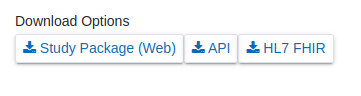
Individual Study Packages
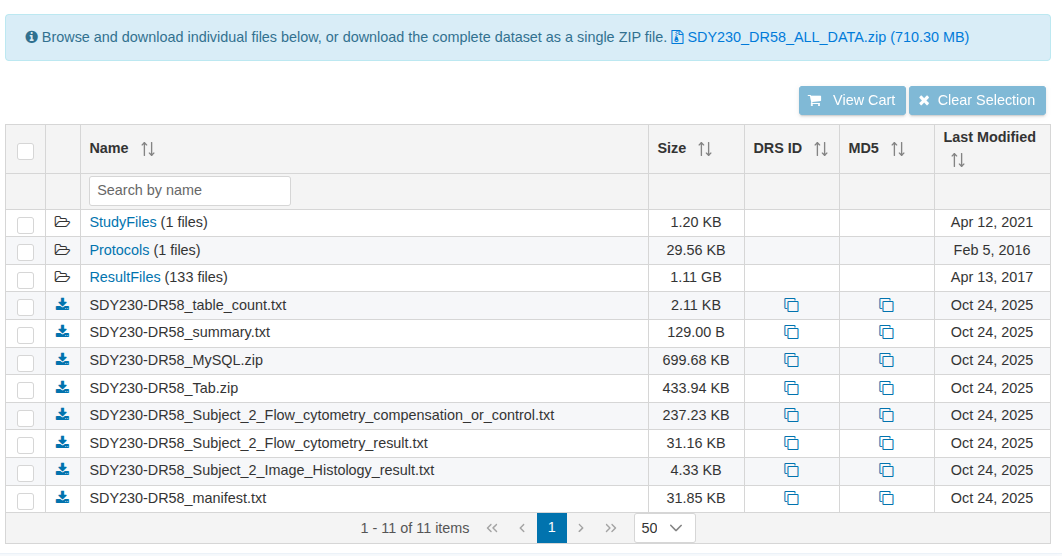
The Study Package download option allows users to download ImmPort data by individual file, directory, or study. For each study, the download package is available for each data release version (DRXX) and includes:
- Study level and variable level metadata uploaded and curated into the ImmPort Data Model (MySQL, txt files)
- Study files
- Protocol files
- Result files
Browser Options
Updated Data Browser (default) The new improved data browser allows users to download data without requiring Aspera software. Please refer to the download guide for detailed instructions.
Legacy Browser The Legacy Browser remains accessible but will be deprecated in July 2026. It uses Aspera Connect to transfer files from ImmPort to your local machine. Users must install the Aspera Connect Client Plugin on the target computer before downloading.
All Studies Package
The All Studies Package download option allows users to download all available ImmPort data in a single package. The package contains all data up to the latest data release, and users can review the last updated date before finalizing the download.

API
Access to all shared ImmPort data via the API requires a registered ImmPort account. The File Download and Data Query API methods require a valid authorization token included as part of each request.
View API documentation and additional download details.
HL7 FHIR
All ImmPort FHIR API endpoints are secured and require a valid ImmPort JWT token for authentication and authorization. A token can be obtained by sending a request to the authentication endpoint with your ImmPort username and password credentials.
View ImmPort FHIR documentation and additional download details.